DocuClipper vs Dext
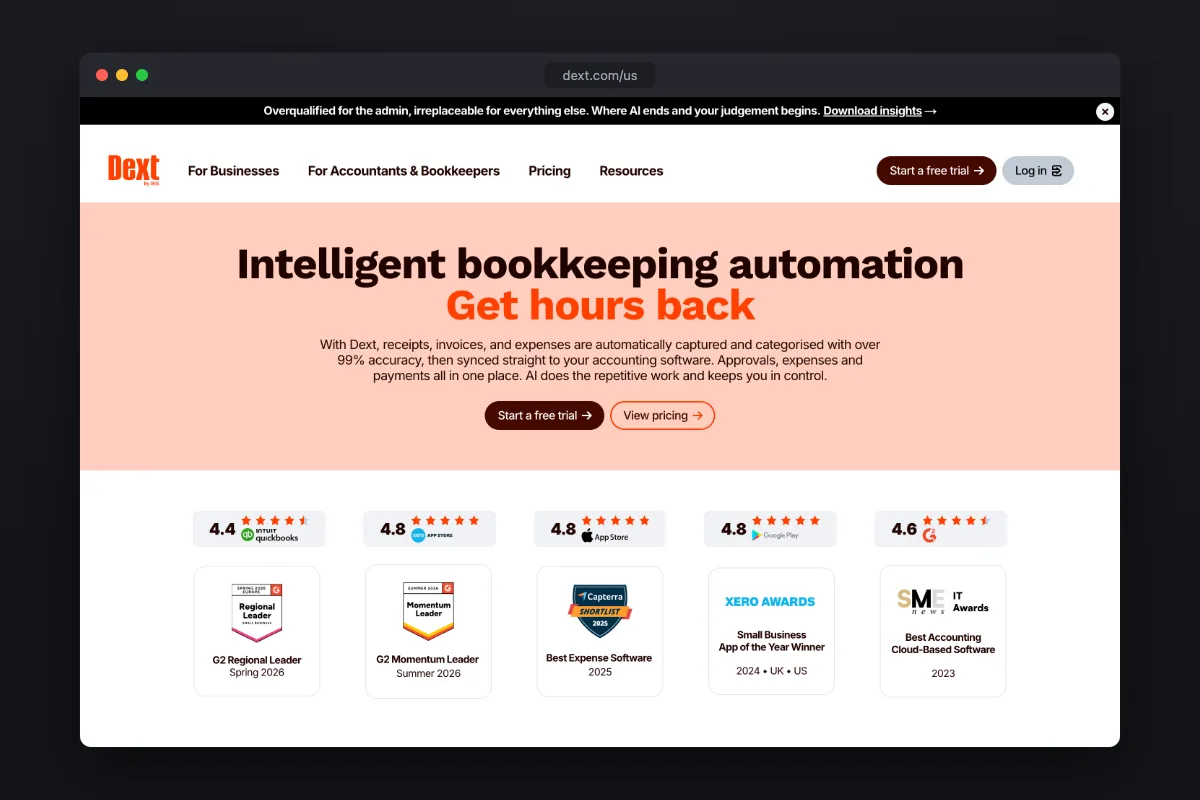
DocuClipper and Dext both take financial paperwork off your desk and into your accounting software, so they get compared constantly. They are built for different paperwork: DocuClipper for bank statements (and other financial documents), Dext for the steady stream of receipts and invoices. Prices checked October 21, 2026.
Disclosure: this site is neatstatement, one of the tools compared. We say where it falls short, and every other price is from the vendor’s own pricing page, checked October 21, 2026.
DocuClipper4/5 rows
From $29/mo (60 pages)
Choose it if most of your work is bank and card statements, including scans.
Dext3/5 rows
From $25.21/mo (250 documents)
Choose it if you need to capture receipts and invoices every day, from a phone or email.
neatstatement3/5 rows
Free for Excel and CSV; $9/mo Pro
Choose it if you only need statements in a spreadsheet, without uploading them.
| DocuClipper | Dext | neatstatement | |
|---|---|---|---|
| Built for | Statements and financial documents to data | Ongoing receipt and invoice capture | Statement PDF to spreadsheet |
| Bank statements | ✓ Core feature, with OCR | Add-on: from $13/mo or $0.32/document | ✓ Core feature, text PDFs only |
| Entry price | $29/mo for 60 pages | $25.21/mo for 250 documents | ✓ Free (Excel/CSV), $9/mo Pro |
| Receipts and invoices | ✓ Yes | ✓ Yes, its core, with mobile capture | No |
| Accounting sync | ✓ QuickBooks Online, Xero | ✓ QuickBooks, Xero and more | Files only (QBO, QFX, OFX) |
| Security | ✓ SOC 2 Type II | ✓ ISO 27001, AES-256 at rest | ✓ Statement never uploaded |
Where DocuClipper wins
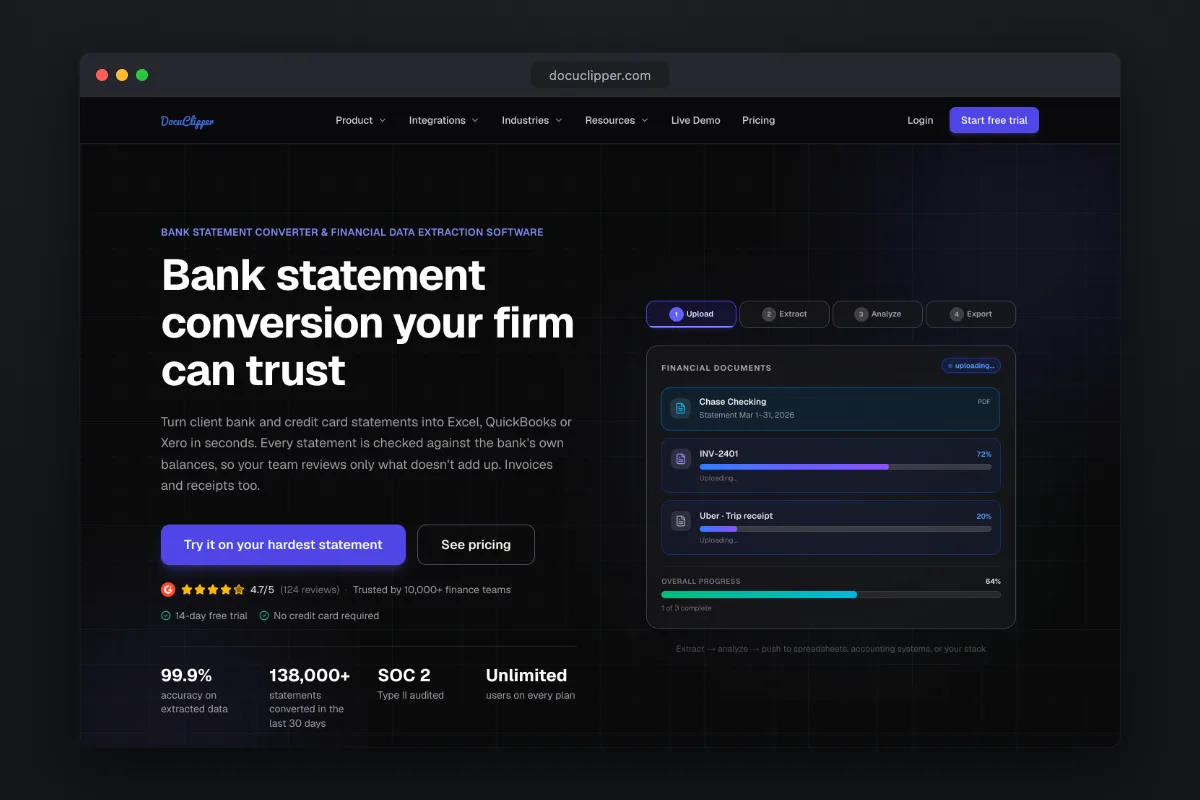
Statements are its core. It runs OCR on scanned statements, handles invoices, receipts, checks and IRS forms too, and syncs to QuickBooks Online and Xero or exports QBO, IIF, Excel, CSV, OFX, QFX and QIF. Plans are by pages per month, from $29 for 60 pages, with unlimited users on every plan and 30% off annually. It is SOC 2 Type II certified.
Where Dext wins
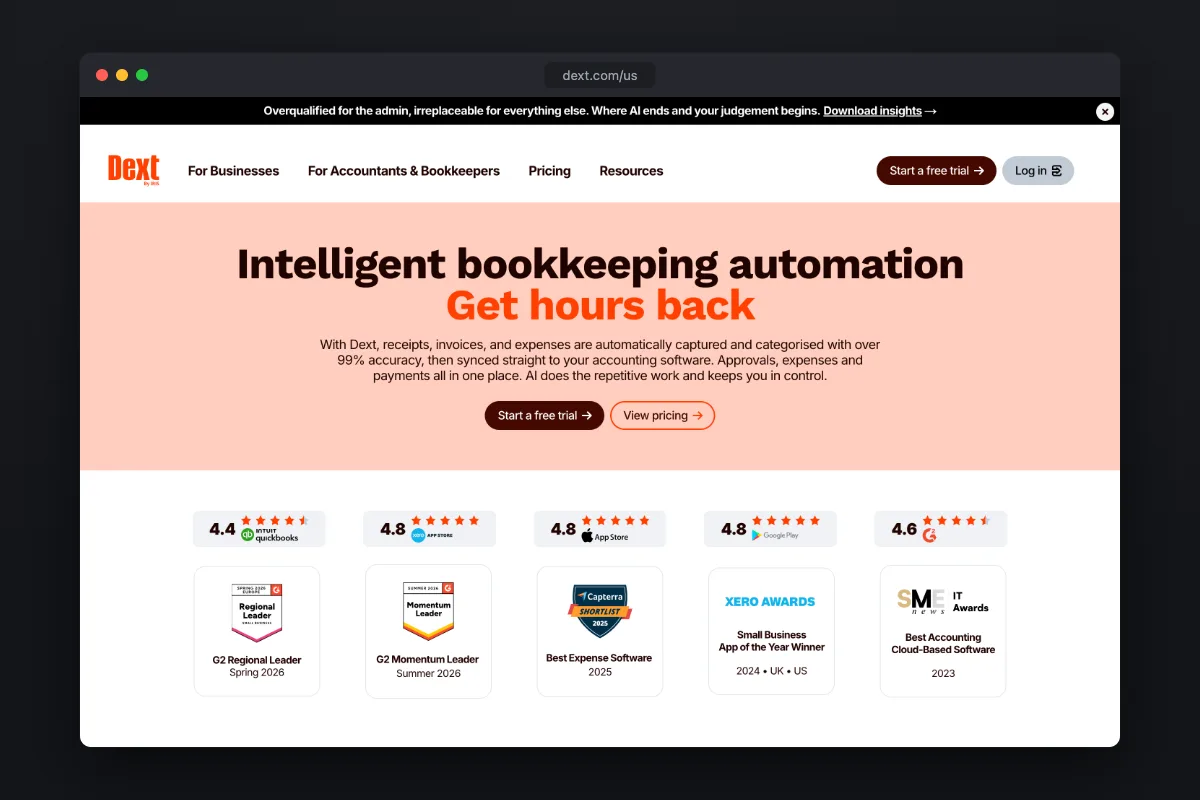
Capture. Dext is designed for the ongoing flow of small documents: snap a receipt, forward an invoice by email or WhatsApp, and it extracts supplier, line items and due date and publishes to your ledger. The Business plan starts at $25.21 a month for 250 documents and 5 users. Bank statement extraction is an add-on (10 sheets included, then from $13 a month or $0.32 per document). Data is encrypted at rest with AES-256 and the company is ISO 27001 certified.
Where neatstatement fits
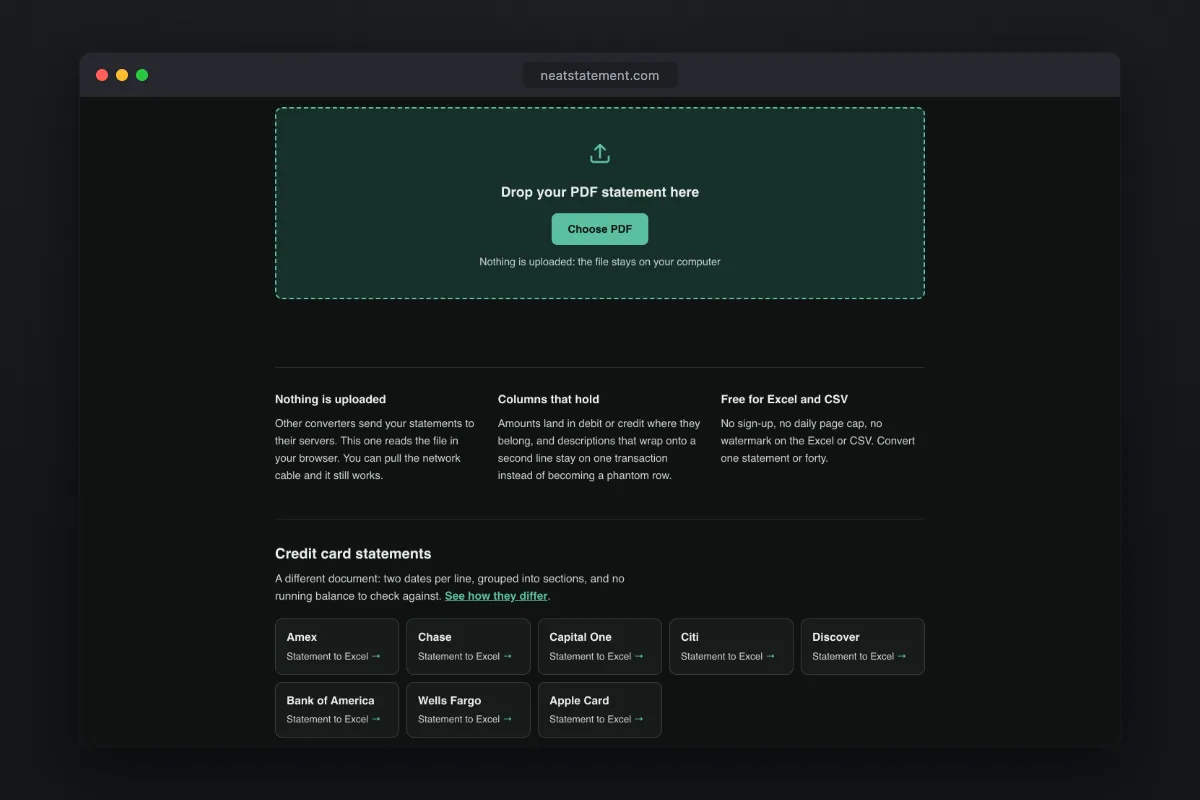
This site’s converter reads the PDF inside your browser with pdf.js and builds the spreadsheet on your own computer, so the statement is never uploaded. You can watch the Network tab while it runs. Excel and CSV are free and unlimited with no account; QuickBooks and Quicken files (QBO, QFX, OFX) are free for one statement a day, and Pro is $9 a month. It checks that the running balance adds up and flags rows that do not.
Where it falls short: no OCR, so scanned statements are refused; no password-protected PDFs (remove the password first); one file at a time; and no direct sync into QuickBooks Online or Xero. Dedicated layouts cover 10 US banks and 8 card issuers; other text-based statements go through the generic reader.
The verdict
If statements are the job, DocuClipper. If receipts and invoices are the job, Dext. Many firms use both. And if all you need is this month’s statement in Excel, a free converter that never uploads the file does it in seconds.
Common questions
What is the difference between DocuClipper and Dext?
DocuClipper is built to turn bank statements and financial documents into data, with OCR and accounting sync. Dext is built for capturing receipts and invoices continuously, with bank statement extraction as an add-on.
Is Dext good for bank statements?
It can extract them, but as an add-on: 10 statement sheets are included, then from $13 a month or $0.32 per document. For statement-heavy work, DocuClipper or a dedicated converter fits better.
Which is cheaper?
Dext's Business plan starts at $25.21 a month for 250 documents; DocuClipper starts at $29 a month for 60 pages. They count different things, so compare against your own volume.
Do both integrate with QuickBooks and Xero?
Yes, both sync with QuickBooks Online and Xero.
Is there a free way to convert statements?
neatstatement converts text-based PDF statements to Excel and CSV for free in the browser, and QBO files for one statement a day.