DocuClipper alternatives, free and paid
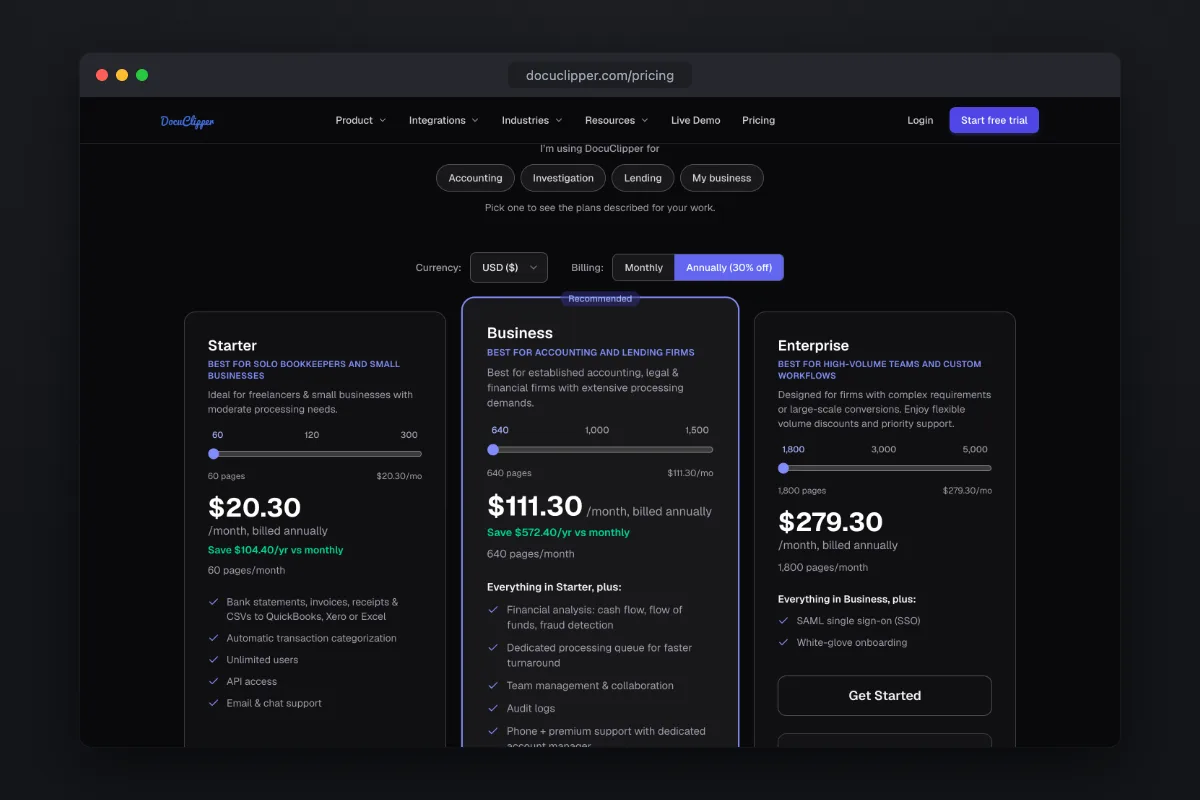
DocuClipper is a capable cloud converter for bookkeepers: it runs OCR on scanned statements, extracts invoices and receipts too, and pushes transactions straight into QuickBooks Online or Xero. It also starts at $29 a month for 60 pages and uploads every document to its servers. If you convert a few statements a month, or you would rather not upload them, these are the alternatives worth knowing.
Disclosure: this site is neatstatement, one of the tools compared. We say where it falls short, and every other price is from the vendor’s own pricing page, checked October 21, 2026.
DocuClipper2/6 rows
From $29/mo (60 pages)
Choose it if you need OCR, volume and direct QuickBooks or Xero sync.
BankStatementConverter1/6 rows
From $30/mo (400 pages)
Choose it if you want high-volume conversion including scans at a low per-page price.
neatstatement4/6 rows
Free for Excel and CSV; $9/mo Pro
Choose it if your statements are text PDFs and you do not want to upload them.
| DocuClipper | BankStatementConverter | neatstatement | |
|---|---|---|---|
| Where the file goes | Uploaded to AWS (US) | Uploaded, deleted after 24 h | ✓ Stays in your browser |
| Free option | 14-day trial, up to 120 pages | 1 page a day, 5 with a free account | ✓ Excel/CSV free and unlimited |
| Cheapest paid plan | $29/mo for 60 pages | $30/mo for 400 pages | ✓ $9/mo, unlimited QBO files |
| Scanned PDFs (OCR) | ✓ Yes | ✓ Yes | No |
| QuickBooks/Xero sync | ✓ Direct to QBO Online and Xero | No | QBO/QFX/OFX files, no direct sync |
| Balance check | Reconciliation features | No | ✓ Flags rows that do not add up |
Why people look for an alternative
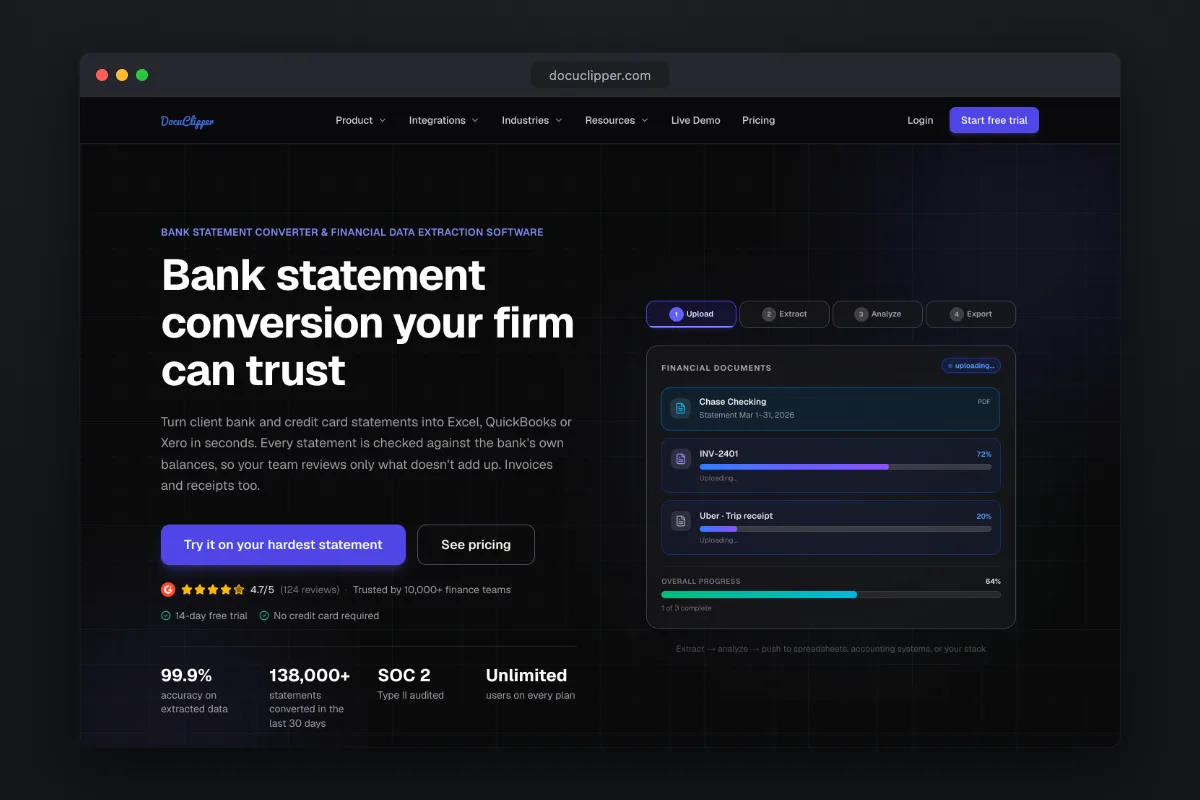
Three reasons come up. Price per page: plans are sized by pages, and a 12-page statement uses 12 of them. Upload: every file goes to DocuClipper’s cloud on AWS, which some firms’ policies do not allow for client data. Scope: if you only need statements in a spreadsheet, a full document-extraction platform is more than you need. DocuClipper remains a strong choice when you have scanned documents or want transactions synced into accounting software automatically.
1. BankStatementConverter.com
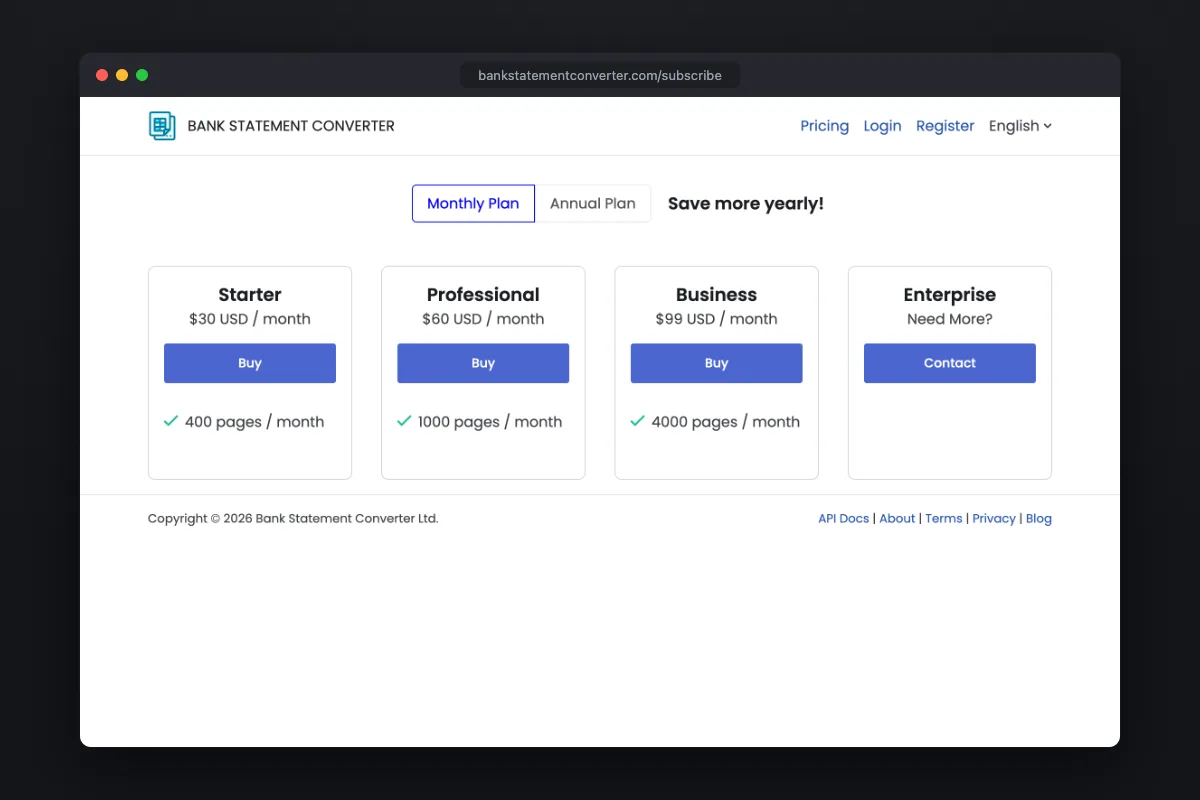
A volume option: $30 a month for 400 pages, $60 for 1,000 and $99 for 4,000, per its subscribe page. It OCRs scanned statements and outputs Excel. Free use is 1 page a day anonymously or 5 with a free account. Files are uploaded and, according to its privacy page, deleted after 24 hours.
2. MoneyThumb
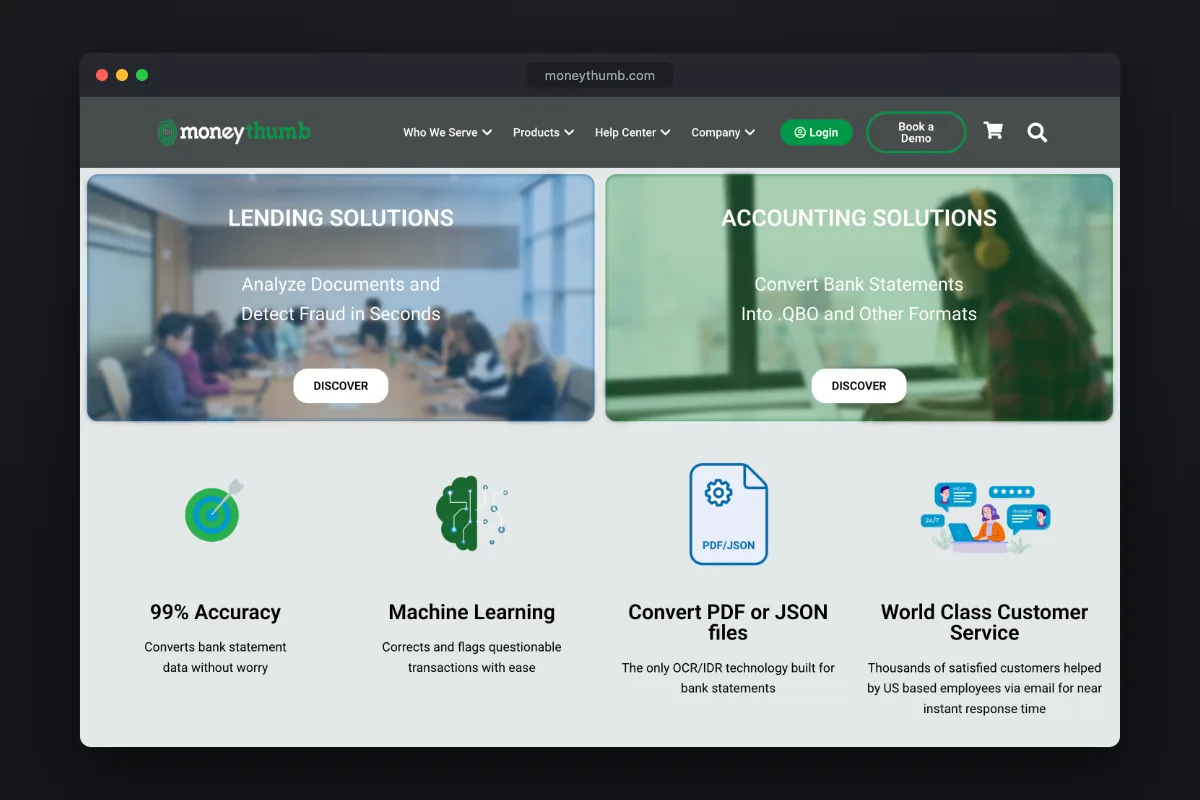
Built around QuickBooks and Quicken files. MoneyThumb Online is $24.95 a month for 5 conversions or $199.95 a year for 60 (one account per monthly statement counts as one conversion). Its desktop converters are lifetime licenses (Pro listed at $549, Pro+ with OCR at $599, OCR Windows only) and run on your own computer.
3. Nanonets
An AI document platform with a bank-statement-to-Excel agent. It starts with $50 in free credits, then $100 a month for 100 credits. Powerful for automated workflows, more than a one-off conversion needs.
Where neatstatement fits
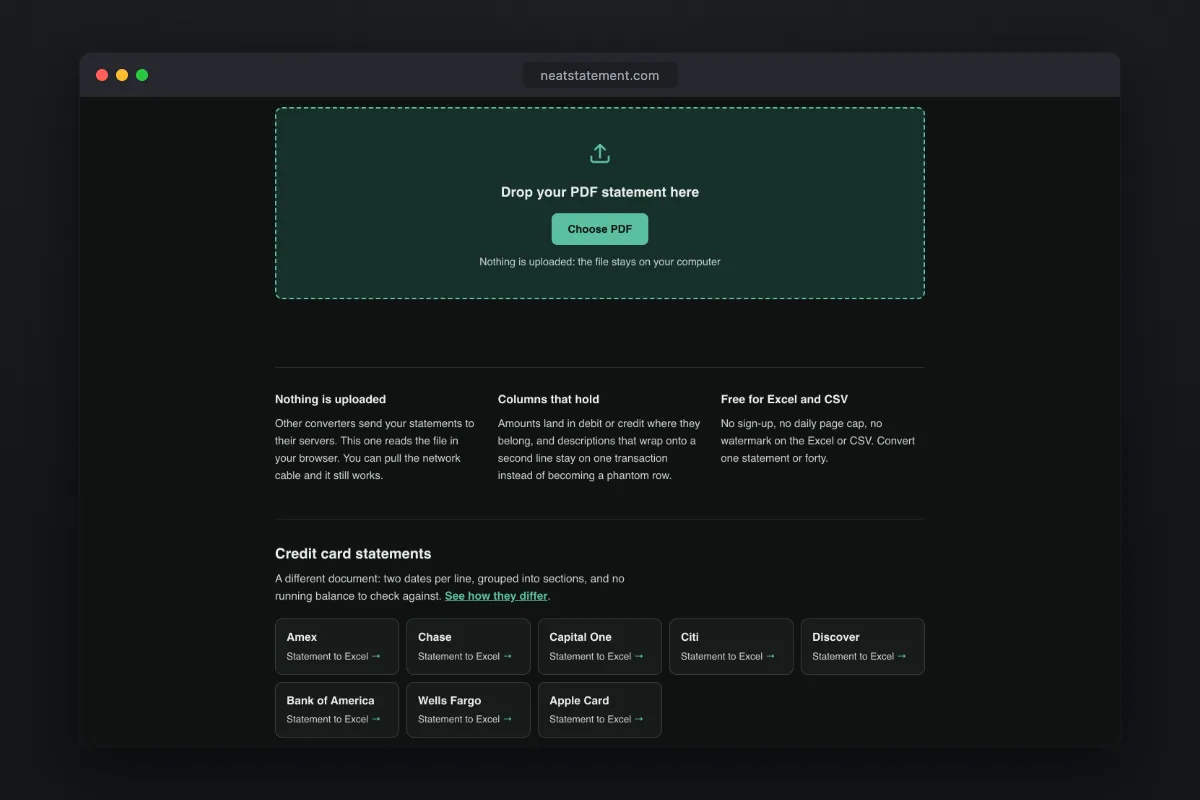
This site’s converter reads the PDF inside your browser with pdf.js and builds the spreadsheet on your own computer, so the statement is never uploaded. You can watch the Network tab while it runs. Excel and CSV are free and unlimited with no account; QuickBooks and Quicken files (QBO, QFX, OFX) are free for one statement a day, and Pro is $9 a month. It checks that the running balance adds up and flags rows that do not.
Where it falls short: no OCR, so scanned statements are refused; no password-protected PDFs (remove the password first); one file at a time; and no direct sync into QuickBooks Online or Xero. Dedicated layouts cover 10 US banks and 8 card issuers; other text-based statements go through the generic reader.
Which to pick
- Scanned statements or direct QuickBooks Online/Xero sync: DocuClipper.
- Many pages at a low per-page price, scans included: BankStatementConverter.com.
- QuickBooks Desktop files, local processing on Windows: MoneyThumb desktop.
- Text PDFs, free, nothing uploaded: neatstatement.
Common questions
Is there a free alternative to DocuClipper?
Yes. neatstatement converts text-based PDF statements to Excel and CSV for free with no account and no upload. BankStatementConverter.com gives 1 free page a day, or 5 with a free account. Generic tools like Smallpdf and iLovePDF also have free tiers but are not built for statements.
How much does DocuClipper cost?
Starter is $29 a month for 60 pages, rising to $79 for 300 pages; Business is $159 to $299 a month for 640 to 1,500 pages. Annual billing is 30% off. There is a 14-day trial for up to 120 pages, no card needed (October 2026).
What is the cheapest bank statement converter?
For text-based PDFs, neatstatement is free for Excel and CSV and $9 a month for unlimited QuickBooks files. For scanned statements at volume, BankStatementConverter.com's Starter plan is $30 a month for 400 pages.
Which alternatives handle scanned statements?
DocuClipper, BankStatementConverter.com, MoneyThumb's OCR editions and Nanonets all run OCR. neatstatement does not: it only reads PDFs that contain text.
Which alternative does not upload my statement?
neatstatement processes the PDF in your browser. MoneyThumb's desktop converters also run locally. The others upload the file to their servers.