DocuClipper pricing, explained
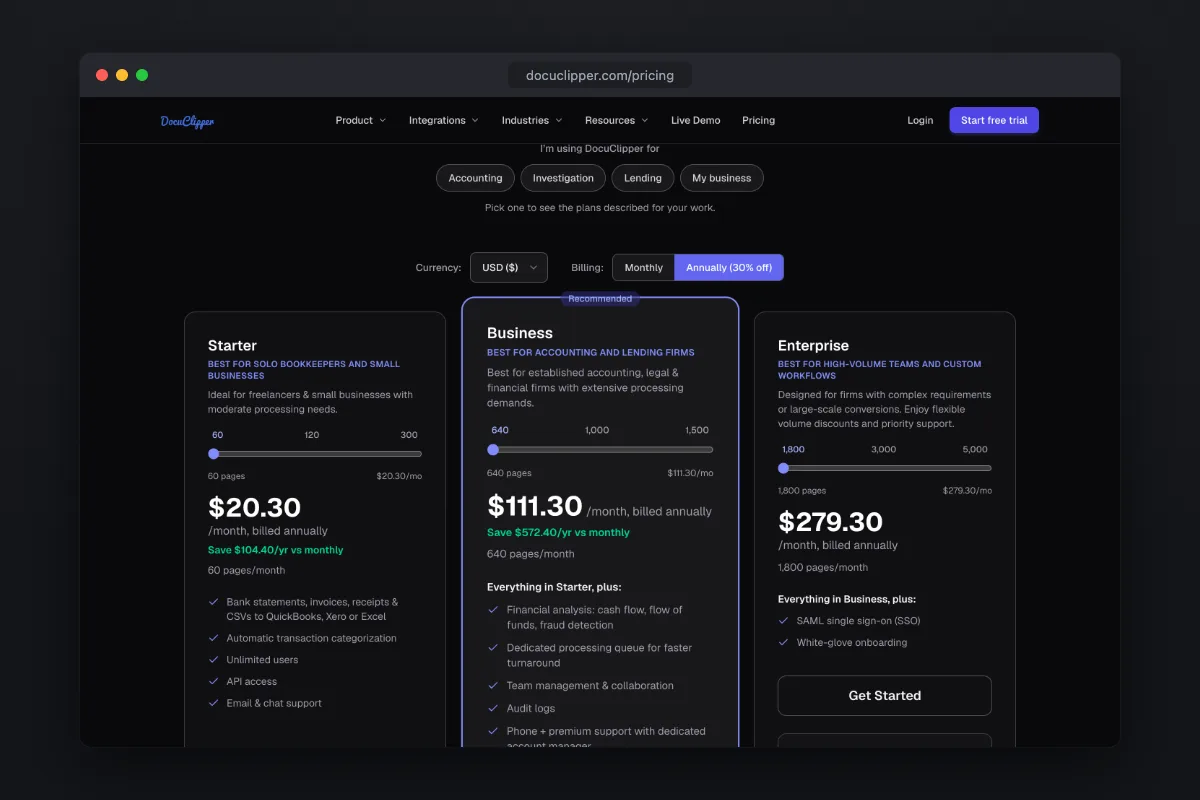
DocuClipper prices by pages per month, not by statements, which makes the real cost depend on how long your statements are. Here is every plan from its pricing page, checked October 21, 2026, and how to estimate which one you need.
Disclosure: this site is neatstatement, one of the tools compared. We say where it falls short, and every other price is from the vendor’s own pricing page, checked October 21, 2026.
DocuClipper Starter3/6 rows
From $29/mo
Choose it if you convert a few dozen statement pages a month, including scans.
DocuClipper Business3/6 rows
From $159/mo
Choose it if you are a firm processing hundreds of pages for clients.
neatstatement3/6 rows
Free for Excel and CSV; $9/mo Pro
Choose it if your statements are text PDFs and you want to stop paying per page.
| DocuClipper Starter | DocuClipper Business | neatstatement | |
|---|---|---|---|
| Monthly price | $29, $39 or $79 | $159, $219 or $299 | ✓ Free; Pro $9 |
| Pages per month | 60, 120 or 300 | 640, 1,000 or 1,500 | ✓ No page limit |
| Annual billing | ✓ 30% off | ✓ 30% off | Monthly |
| OCR for scans | ✓ Yes | ✓ Yes | No |
| QuickBooks/Xero sync | ✓ Yes | ✓ Yes | QBO files, no direct sync |
| Free trial | 14 days, up to 120 pages | 14 days, up to 120 pages | ✓ Free tier, no trial needed |
Every plan
| Plan | Monthly | Pages per month | Annual (per month) |
|---|---|---|---|
| Starter | $29 | 60 | $20.30 |
| Starter | $39 | 120 | about $27.30 |
| Starter | $79 | 300 | about $55.30 |
| Business | $159 | 640 | $111.30 |
| Business | $219 | 1,000 | about $153.30 |
| Business | $299 | 1,500 | about $209.30 |
| Enterprise | $399 to $899 | 1,800 to 5,000 | 30% off |
Annual prices are the monthly price less 30%, as stated on the pricing page; the three marked exactly are the ones it lists. Pages do not roll over, every plan has unlimited users, and the API is available from Starter up.
How to pick a plan
Count pages, not statements. A personal checking statement is often 3 to 6 pages; a busy business account can run 15 or more. Multiply by accounts and months. If you are converting a year of history once, the 14-day trial (120 pages) may cover it.
Where neatstatement fits
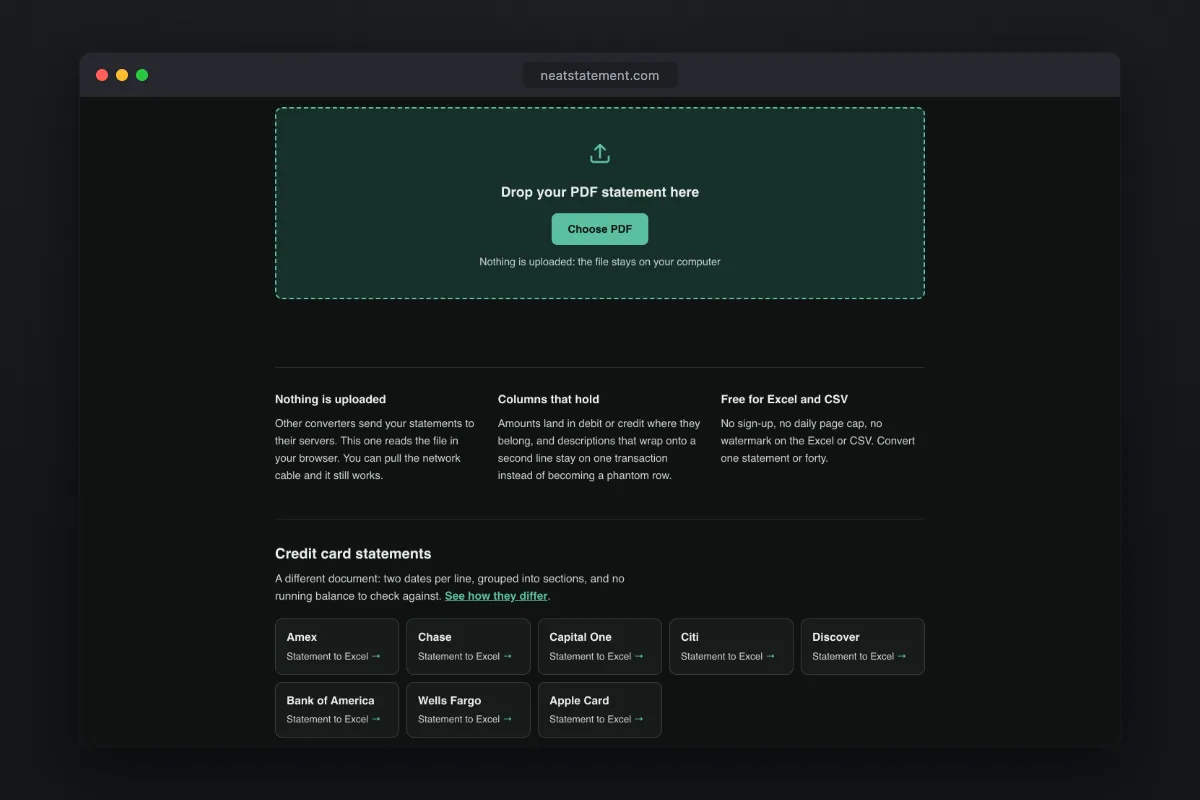
This site’s converter reads the PDF inside your browser with pdf.js and builds the spreadsheet on your own computer, so the statement is never uploaded. You can watch the Network tab while it runs. Excel and CSV are free and unlimited with no account; QuickBooks and Quicken files (QBO, QFX, OFX) are free for one statement a day, and Pro is $9 a month. It checks that the running balance adds up and flags rows that do not.
Where it falls short: no OCR, so scanned statements are refused; no password-protected PDFs (remove the password first); one file at a time; and no direct sync into QuickBooks Online or Xero. Dedicated layouts cover 10 US banks and 8 card issuers; other text-based statements go through the generic reader.
Common questions
How much does DocuClipper cost?
Starter is $29, $39 or $79 a month for 60, 120 or 300 pages. Business is $159, $219 or $299 for 640, 1,000 or 1,500 pages. Enterprise runs from $399 to $899 for 1,800 to 5,000 pages. Annual billing is 30% off (October 2026).
Does DocuClipper have a free trial?
Yes: 14 days, no credit card, for up to 120 pages.
Do unused DocuClipper pages roll over?
No. Pages reset each billing cycle.
How many pages is a bank statement?
Usually 3 to 15 pages for a month, more for busy business accounts. A year of statements for one account is often 50 to 150 pages.
Is there a cheaper alternative?
For text-based PDFs, neatstatement is free for Excel and CSV and $9 a month for unlimited QuickBooks files. For scans at volume, BankStatementConverter.com starts at $30 a month for 400 pages.