Is it safe to use a bank statement converter?
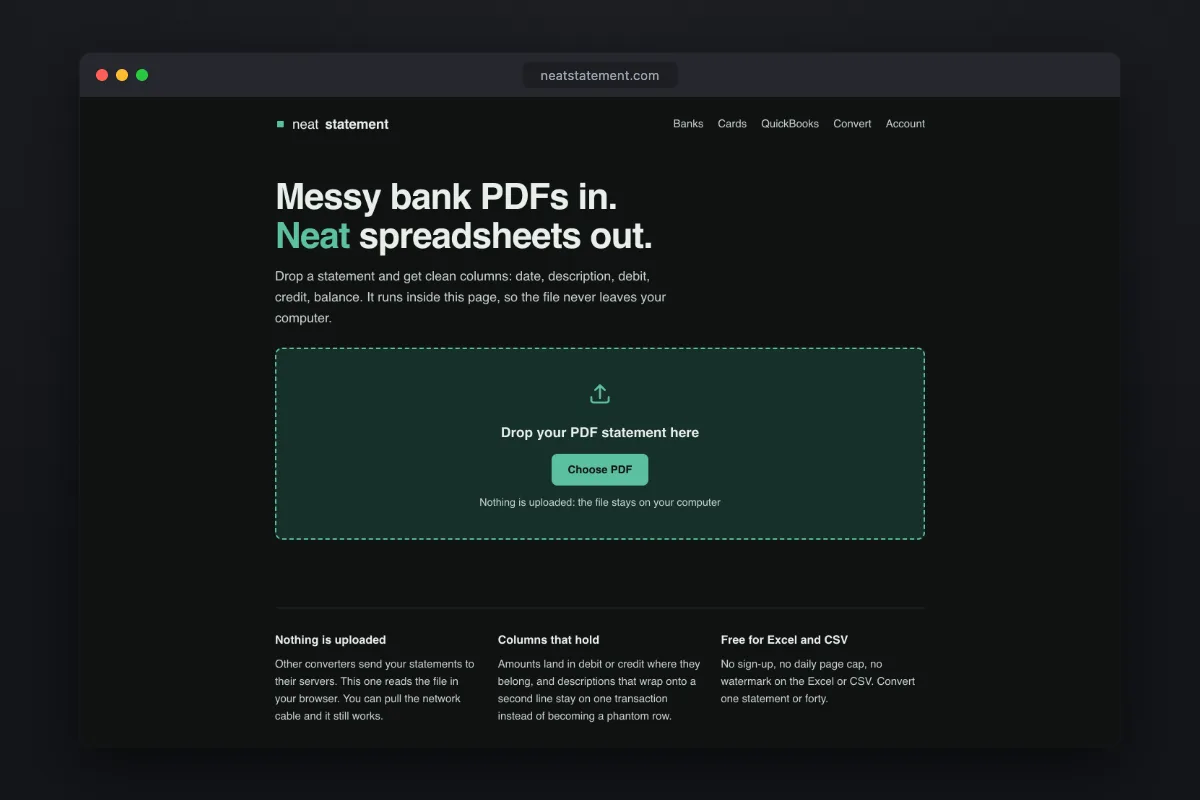
A bank statement holds your name, address, account number and a month of your life in transactions. Converting it to Excel is routine, but most converters do it by uploading the file to their servers. Whether that is safe depends on what they do with it. Here is what each popular tool says, in its own words, checked October 21, 2026.
Disclosure: this site is neatstatement, one of the tools compared. We say where it falls short, and every other price is from the vendor’s own pricing page, checked October 21, 2026.
| Tool | Where the statement goes | How long it is kept | Certification |
|---|---|---|---|
| neatstatement | Stays in your browser | Never received | N/A |
| BankStatementConverter.com | Uploaded | 24 hours | None named |
| Smallpdf | Uploaded | 1 hour | ISO 27001 |
| iLovePDF | Uploaded | Up to 2 hours | ISO 27001 |
| DocuClipper | Uploaded (AWS, US) | While subscribed; 90 days after cancel | SOC 2 Type II |
| Dext | Uploaded (AWS) | Not stated | ISO 27001 |
| Nanonets | Uploaded (US, EU or India) | Not stated | ISO 27001, SOC 2 Type II |
The three questions to ask
- Does the file leave your computer? If the converter runs in the browser or on your desktop, nothing is transmitted. You can verify it in the browser’s Network tab.
- How long is it kept, and can you delete it? Short, stated retention (an hour, a day) is better than “while your account is active”.
- Who else touches it? Cloud converters use subprocessors: cloud hosting, OCR services, AI models. DocuClipper, for example, lists AWS, Google Cloud Vision, Azure, Anthropic and OpenAI.
What the FTC says
The FTC tells consumers to keep financial records in a safe place and to check statements for withdrawals they did not make. For businesses, its guidance is to keep only what you need and only as long as necessary, and its Safeguards Rule, which covers firms such as tax preparers, asks them to choose service providers that maintain appropriate safeguards and to encrypt customer data in transit. A converter that keeps statements indefinitely is the opposite of “keep only what you need”.
Converting without uploading
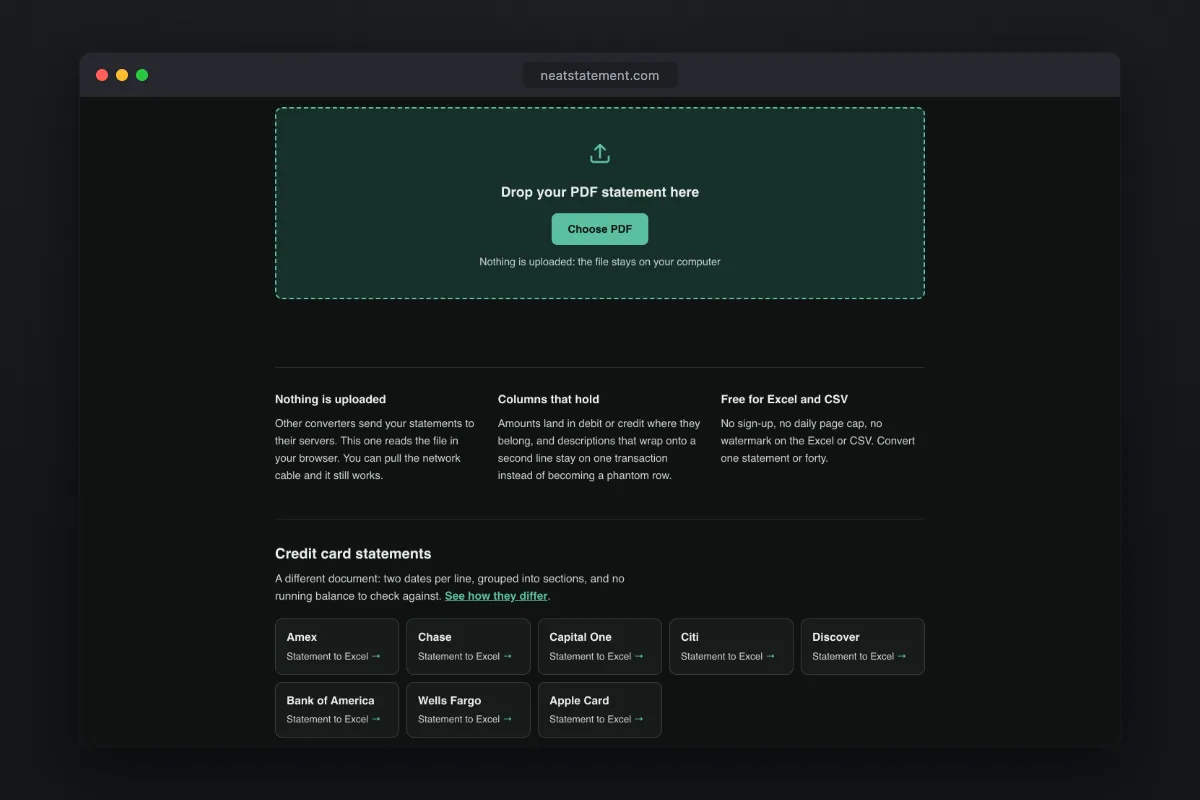
This site’s converter reads the PDF in your browser and builds the spreadsheet on your computer, so there is no copy of your statement on any server. The only thing it sends is for the free daily allowance on QuickBooks and Quicken files: a one-way fingerprint of the file (never its name or contents) and a scrambled, shortened form of your IP address. Excel and CSV need nothing at all. Its limit: no OCR, so scanned statements are refused. For scans, pick a cloud tool with short retention and a named certification.
The bottom line
Uploading a statement to a certified converter that deletes it within hours is a reasonable risk for most people. Uploading it somewhere that keeps it indefinitely, or does not say, is not. And if the file never needs to leave your computer, that is the simplest answer of all. See how the converter works.
Common questions
Is it safe to upload a bank statement online?
It depends on the service: who stores it, for how long and who else processes it. Reputable converters are certified and delete files after a set time. The safest option is a converter that never receives the file.
What information is on a bank statement?
Your name, address, account number, balances and every transaction, which together reveal where you shop, who pays you and when. That is why the FTC tells consumers to keep financial records safe.
How long do converters keep my file?
From their own pages: Smallpdf 1 hour, iLovePDF up to 2 hours, BankStatementConverter.com 24 hours, DocuClipper while your account is active and 90 days after cancellation. Dext and Nanonets do not state it.
How can I check that a converter does not upload my file?
Open your browser's developer tools, go to the Network tab and run a conversion. If no request carries the file, it was processed locally.
Are bookkeepers allowed to upload client statements?
Firms covered by the FTC Safeguards Rule, such as tax preparers, must choose service providers that maintain appropriate safeguards and keep customer data only as long as needed. Check the vendor's certification and retention terms.